All basic info for RTL-SDR getting started. So you want to begin listening to some radio? Check here what you should buy and in next posts how to configure it. It may be currently the cheapest possibility to listen on that many frequencies!
1. Shopping
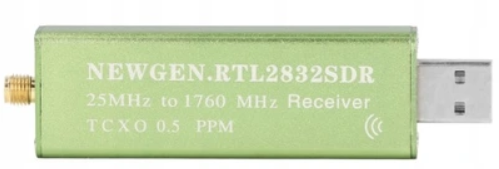
To start your adventure with SDR the you should buy so-called “green” SDR. You can see it for example in THIS offer. If this link is expired it should look someting like this:
For early starters – especially within urban areas with many strong signals I can recommend antenna kit from RTL-SDR Blog – you can buy it for example HERE
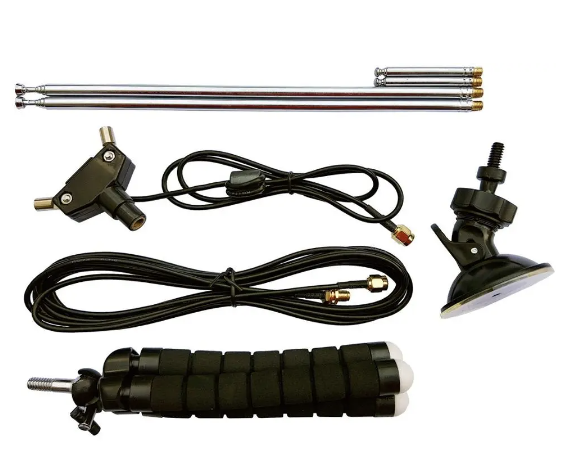
2. Connecting everything
At first you should connect two longer or two shorter antennas
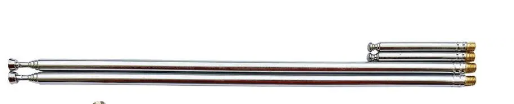
to base
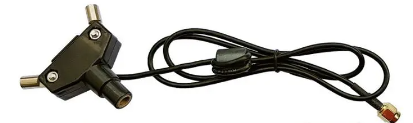
According what you want to listen – the longest possible setup is for ~70 MHz and the shortest possible for ~1030 MHz. Most signals you will probably be interested in require to position antenna vertical. The best results can be achievied bu putting center coax UP.
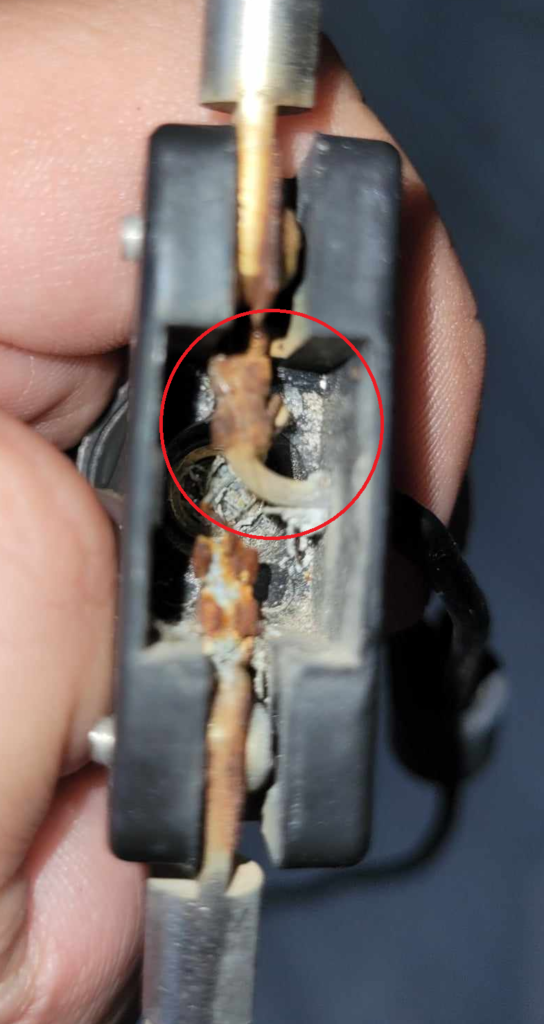
How to determine it? Just open your base and see which cable has a plastic wrapper around it. This should be center coax and be put up (My antenna is a little bit used, but still working after ~3yrs outside)
Then you have to connect your base to extension cable
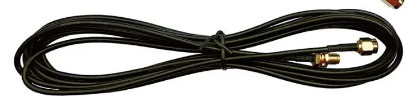
And the extension cable to your receiver. Then you can use for example suction cup to mount your antenna somewhere outside. Best results generally should be achieved when antenna is outside and on the highest possible point you have.
3. Software part
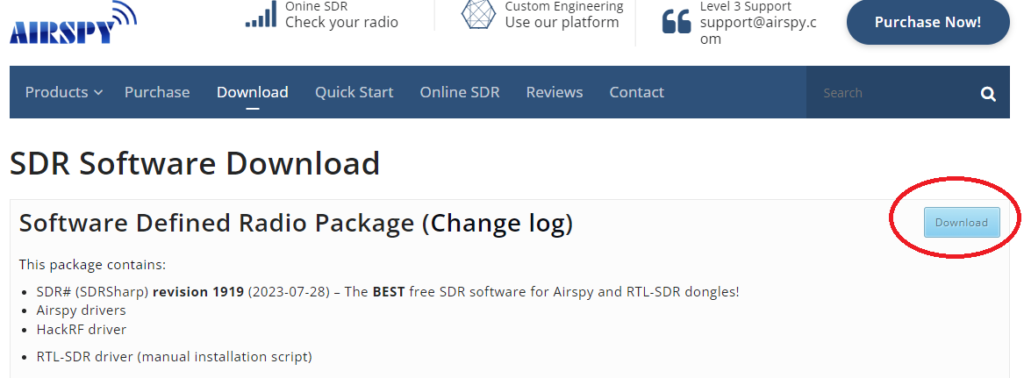
Connect your receiver to free USB port and go to Airspy Download Section and download newest Software Defined Radio Package
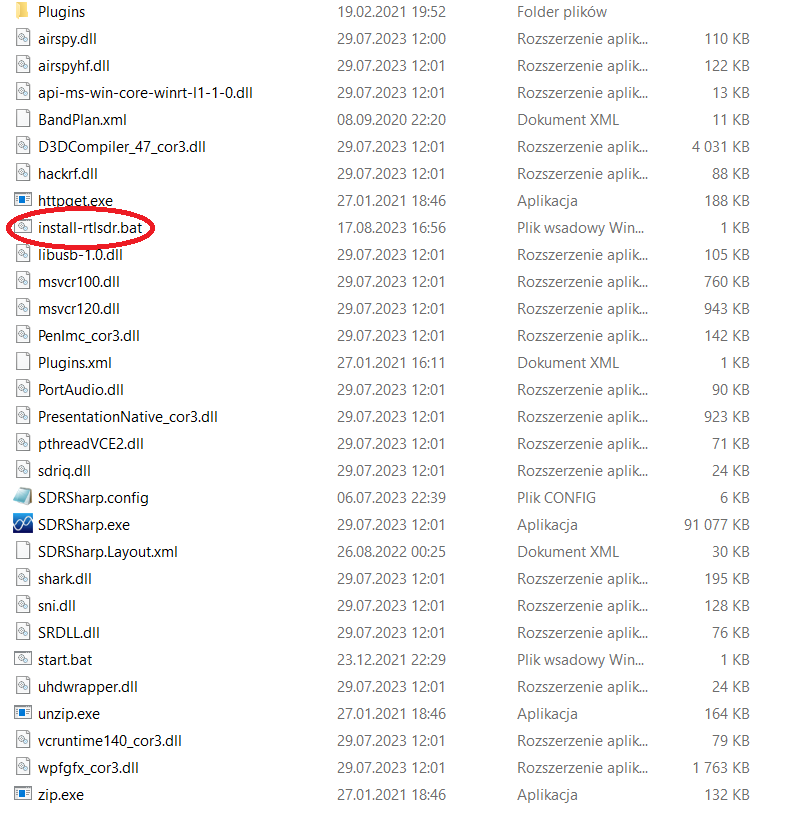
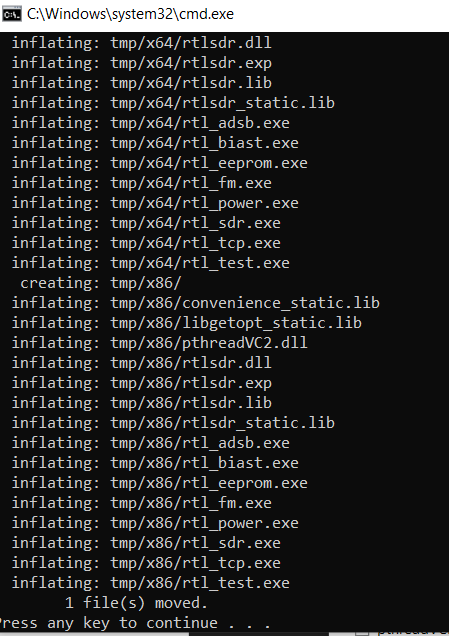
After unzipping to some (free to choose) location you will see some files. At first install-rtlsdr.bat should be run (internet access required)
CMD window should appear, after installation confirm by pressing any key
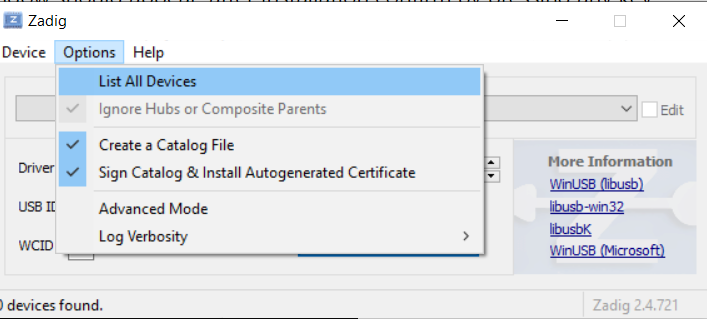
Then you have to run zadig.exe, which appeared after installation in previous step. Make sure you have administrative rights on your PC. Click on Options->List all devices
And then choose RTL2838UHIDIR and “Install Driver” – i have mine already installed so I don’t have this button.
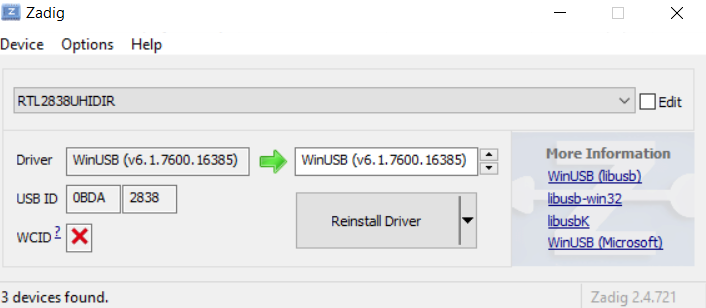
After installing driver (couple of minutes) you should reconnect your receiver and you are good to go
This is just simple RTL-SDR getting started. To see true possibilities of this small device – check out my next posts
Airspy SDRSharp configuration (SDR Part #2)